How to Create a Social Media Calendar in 2024
DIGIDZN23 May 20245 min read
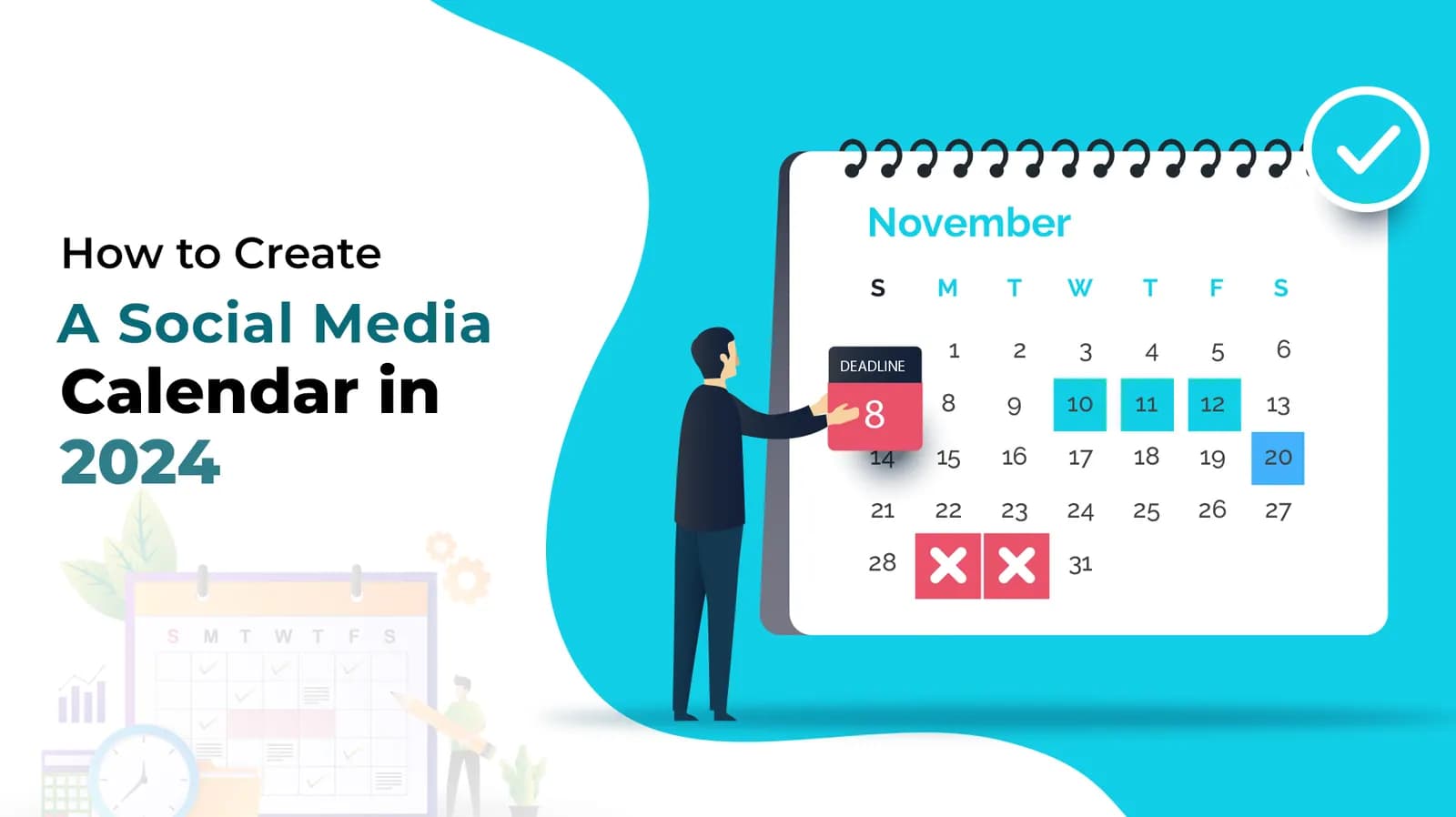
Creating a social media calendar is like having a roadmap for your digital marketing efforts. Whether you're a part of a social media agency in Delhi or running a small business, having a structured plan can make a world of difference. It ensures that you stay organized, post consistently, and engage with your audience effectively. In 2024, having a well-structured social media calendar is more crucial than ever, especially for social media marketing agencies and digital marketing service agencies in a bustling market like Delhi. This guide will walk you through the steps to create a social media calendar that aligns with your marketing goals and helps you stay ahead in the digital game.
Understanding the Importance of a Social Media Calendar
A social media calendar is not just a planning tool; it's a strategic asset. It helps you to:
- Stay consistent with your posting schedule.
- Ensure a balanced mix of content types.
- Plan ahead for seasonal or campaign-specific content.
- Track what works and what doesn’t, allowing you to tweak your strategy accordingly.
Key Elements of a Social Media Calendar
To create an effective social media calendar, you need to consider several key elements:
Goals and Objectives
Define what you want to achieve with your social media efforts. Are you looking to increase brand awareness, drive traffic to your website, generate leads, or boost sales? Your goals will dictate the type of content you create and the metrics you track.
Audience Analysis
Understanding your audience is crucial. Know who they are, what they like, and when they are most active on social media. This helps in tailoring your content to meet their needs and preferences.
Content Themes
Plan content around specific themes that resonate with your audience. This could be educational posts, behind-the-scenes glimpses, user-generated content, or promotional offers.
Platforms and Posting Schedule
Different social media platforms have different peak times for engagement. Plan your posting schedule accordingly to maximize reach and interaction.
Steps to Create a Social Media Calendar in 2024
Creating a social media calendar involves several steps. Here’s a detailed breakdown:
Step 1: Define Your Goals
Start by setting clear, measurable goals for your social media efforts. Use the SMART criteria (Specific, Measurable, Achievable, Relevant, Time-bound) to ensure your goals are well-defined.
Step 2: Know Your Audience
Conduct thorough research to understand your audience’s demographics, interests, and behaviour. Use tools like Google Analytics, Facebook Insights, and Twitter Analytics to gather this data.
Step 3: Choose the Right Platforms
Not all social media platforms are suitable for every business. Identify where your audience spends most of their time and focus your efforts on those platforms. For instance, if you're targeting a younger audience, Instagram and TikTok might be more effective than LinkedIn.
Step 4: Plan Your Content
Outline the types of content you want to post. This can include blog posts, videos, infographics, and interactive content. Make sure to mix up your content types to keep your audience engaged.
Step 5: Use the Right Tools
Leverage tools like Hootsuite, Buffer, or Sprout Social to schedule your posts and manage your social media calendar. These tools can help you automate your posting schedule and provide valuable insights into your social media performance.
Step 6: Create a Posting Schedule
Based on your audience analysis, decide the best times to post on each platform. Create a schedule that outlines what content will be posted, on which platform, and at what time.
Step 7: Monitor and Adjust
Regularly review your social media performance to see what’s working and what’s not. Use this data to adjust your strategy and improve your future posts. Monitoring tools can provide insights into engagement rates, follower growth, and content performance.
Benefits of Using a Social Media Calendar
Using a social media calendar offers numerous benefits, including:
- Consistency: Ensures regular posting, which keeps your audience engaged.
- Efficiency: Saves time by planning and scheduling posts in advance.
- Strategic Planning: This allows you to plan content around key dates and events.
- Improved Collaboration: Facilitates better coordination among team members.
Tools and Resources for Social Media Calendars
There are several tools available to help you create and manage your social media calendar. Some of the most popular ones include:
- Hootsuite: A comprehensive social media management tool that offers scheduling, monitoring, and analytics.
- Buffer: A user-friendly tool for scheduling posts and analyzing performance.
- Trello: A project management tool that can be customized to create a social media calendar.
- Google Calendar: A simple but effective tool for planning and scheduling your social media posts.
- CoSchedule: An all-in-one marketing calendar that helps you plan, publish, and promote your content.
Conclusion
Creating a social media calendar is an essential part of any successful digital marketing strategy. It helps you stay organized, consistent, and strategic in your social media efforts. By following the steps outlined in this guide, you can create a social media calendar that not only saves you time but also maximizes your reach and engagement.
FAQs
Q1: How often should I update my social media calendar?
A: It's best to update your social media calendar monthly to stay ahead of trends and adjust your strategy as needed.
Q2: What is the best tool for creating a social media calendar?
A: The best tool depends on your specific needs. Hootsuite and Buffer are popular choices for their comprehensive features.
Q3: How far in advance should I plan my social media content?
A: Planning at least one month in advance is ideal, but it's also good to have a general plan for the next quarter.
Q4: Can I manage multiple social media accounts with one calendar?
A: Yes, tools like Hootsuite and Buffer allow you to manage and schedule posts for multiple accounts from one dashboard.
Q5: Why is audience analysis important in creating a social media calendar?
A: Audience analysis helps you tailor your content to your audience's preferences, leading to higher engagement and better results.